Sponsored Links
Excel Functions

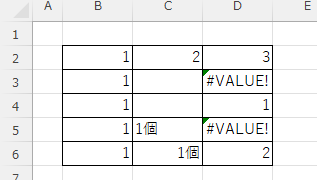
What does the error message "#VALUE!" mean and what can I do about it?

Error messages are unavoidable when dealing with Excel, and you may be surprised when they suddenly appear. Here are the meanings and countermeasures for these errors. As an example of preconditions, let's make a table like this...
Excel Macro (VBA)

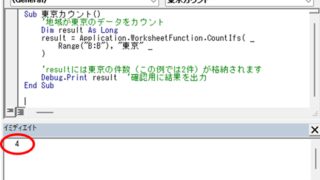
Excel Macro (VBA): How to use the CountIfs function in VBA! 

If you are a beginner who wants to use Excel's COUNTIFS function in VBA, this is a must. This article provides a thorough explanation from basic writing to error handling. In fact, with a few tricks, you can reduce processing time from a few minutes to a few seconds. Read this article and you will be able to efficiently tabulate data from tomorrow.
Excel Macro (VBA)

[For Beginners] Step-by-Step Guide to Installing SeleniumBasic

This article offers a beginner-friendly, detailed guide to installing SeleniumBasic. Stuck on the installation and thinking about giving up on automation? The truth is, anyone can install it by taking it one step at a time. A professional with 20 years of experience teaching Excel will walk you through the process.
Excel Functions

Forgot Password? How to Remove Read-Only (Write Protection) in Excel

If you forgot your Excel password, don’t worry! This article explains how to remove write protection easily by simply changing the file extension. Learn how to unlock read-only mode fast.
Excel Functions

Find Out Which Version of Excel You’re Using – Quick Steps

The functions and functions that can be used may change depending on the version of Excel. You should be able to check if your version is supported when errors or problems occur, so we will show you how to check your Excel version in this issue. Acau...
Sponsored Links
en_USEnglish
Copied title and URL