Sponsored Links
Excel Functions

How to Adjust Column Width and Row Height in Excel (Manual Methods Explained)

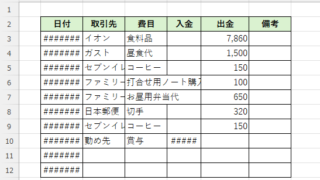
Visibility is very poor if the column widths are too narrow to display all of the cell contents, or the row height is too narrow to display the contents. In this article, we will explain how to easily and automatically adjust row height and column width to just the right size. With a macro (VBA)...
Excel Macro (VBA)

Color every other line alternately to make stripes

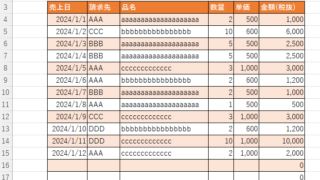
When creating a table, it is possible to make the table very easy to read if each row is colored alternately and striped. In this issue, we will show you three ways to do this. How to use the table functionHow to set up a tableSelect a cell anywhere in the table you want to make a table and click "Insert...
Excel Macro (VBA)

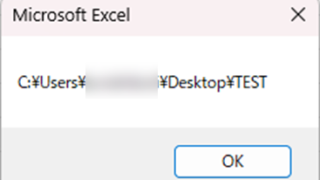
Get the path (save location) of the opened Excel file "Path" Excel Macro (VBA)

In many cases, it is useful to be able to get the location of the Excel file you are currently working on when you want to retrieve values from another Excel file or save a file as a name using a macro. In this article, we will show you how to use the "Path" command, which is useful in such cases. The currently open Excel file...
Excel Functions

How to Use Wavy Lines to Crop or Skip Part of an Image in Excel

Master the wavy line technique to compress images in Excel! Step-by-step tutorial showing how to create professional image breaks and save space in your spreadsheets and presentations.
Sponsored Links
en_USEnglish
Copied title and URL