Sponsored Links
Excel Functions

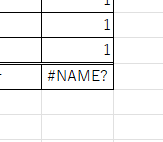
What does the error message "#NAME?

Error messages are unavoidable when dealing with Excel, and you may be surprised when they suddenly appear. Here are the meanings and countermeasures for this error message. Meaning of "#NAME?
Excel Macro (VBA)

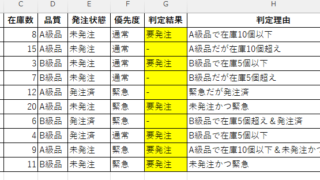
The Complete Guide to IF AND in VBA|Thorough explanation from basic syntax to practical techniques

I want to combine IF and AND statements in VBA, but I don't know how to write it..." I have experienced such a problem. Actually, the way to write it is a little different from the IF function in Excel. In my 20 years of Excel work, I have used IF AND in VBA to automate many tasks...
Excel Functions

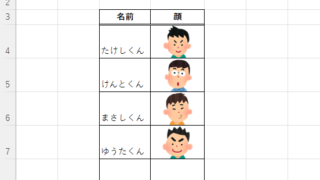
How to paste Excel (Excel) images

There are functions to do various things with images, such as sticking an image on Excel or fitting an image into a cell. In this article, we will introduce two ways to import images into Excel. Place the image on top of a cellOnce you save the image to a folder somewhere on your terminal, you can use this method...
Excel Functions

How to Extract Text After a Specific Character in Excel Using RIGHT and FIND

Struggling to extract text after a specific character in Excel when data lengths vary? This article explains how to combine the RIGHT and FIND functions to solve the problem—taught by an experienced Excel formula expert.
Sponsored Links
en_USEnglish
Copied title and URL