Sponsored Links
Excel Macro (VBA)

How to use the property of variable type "Workbook" Excel (Excel) Macro (VBA)

You can read more about how to use the variable type "Workbook" in this blog. How to use the variable type "Workbook" Excel(Excel)Macro(VBA)Here we will explain the "Workbook" property in a little more detail.Wo...

Excel Functions

How to Use Wavy Lines to Crop or Skip Part of an Image in Excel

Master the wavy line technique to compress images in Excel! Step-by-step tutorial showing how to create professional image breaks and save space in your spreadsheets and presentations.
Excel Functions

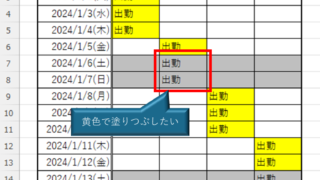
How to Prefer Manual Fill to Conditional Formatting Excel (Excel)

Conditional formatting is a very useful feature that automatically fills in or changes formatting based on specified conditions. However, many of you may have experienced the problem that conditional formatting takes precedence over manual filling. In this article, we will discuss how to use conditional formatting...
Excel Functions

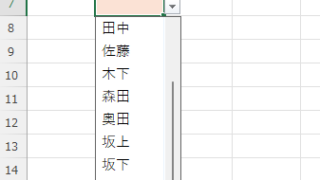
Linking two pull-downs (drop-downs) without macros (for linking only one set) Excel (Excel)

This article explains how to link two dropdown lists in Excel. Are you struggling with how to display only employees relevant to the selected department after choosing it? Actually, you can easily link them using the INDEX and MATCH functions. An Excel expert will teach you how.
Excel Macro (VBA)

How to Disable Automatic Calculation in Excel VBA to Speed Up Your Macros

Learn how to disable automatic calculation in Excel VBA to dramatically speed up your macros. Simple code examples and performance tips included. Boost your Excel automation today!
Sponsored Links
en_USEnglish
Copied title and URL