Sponsored Links
Excel Functions

Insert rows without breaking formulas (using spil) Excel (Excel)

With Microsoft365 and Excel 2021 or later versions, you can insert, delete, and rearrange rows without breaking the formula by using a feature called Spill. In this article, we will show you a specific example...
Excel Functions

How to Prefer Manual Fill to Conditional Formatting Excel (Excel)

Conditional formatting is a very useful feature that automatically fills in or changes formatting based on specified conditions. However, many of you may have experienced the problem that conditional formatting takes precedence over manual filling. In this article, we will discuss how to use conditional formatting...
Excel Functions

Forgot Password? How to Remove Read-Only (Write Protection) in Excel

If you forgot your Excel password, don’t worry! This article explains how to remove write protection easily by simply changing the file extension. Learn how to unlock read-only mode fast.
Windows

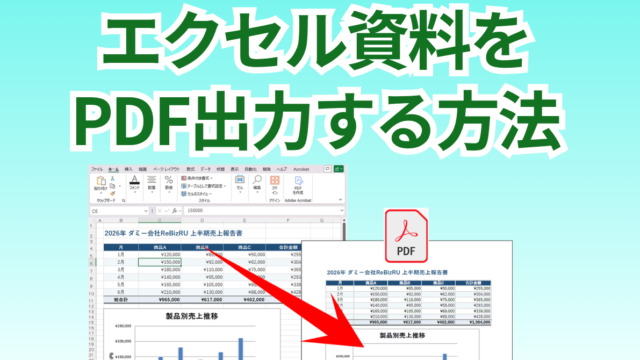
How to export a document created in Excel as a PDF

A must-see for those who want to export Excel documents as PDFs! You can export PDFs using only Excel's built-in features, without needing other software.
Excel Functions

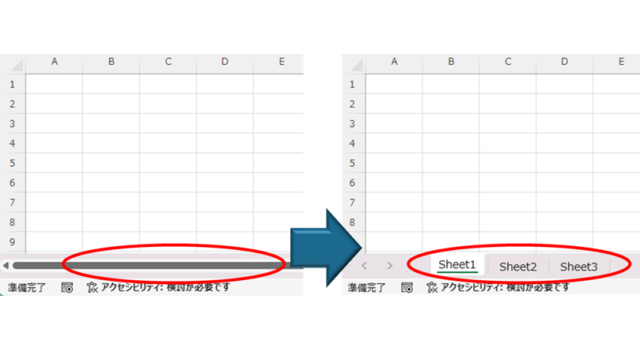
How to Fix Missing Sheets in Excel (Step-by-Step Guide)

This article explains how to solve the sheet heading hiding problem in Excel from the options settings. Have you ever had trouble finding a sheet in a file created by someone else? This article is written by the author, who has experience in supporting Excel operations.
Sponsored Links
en_USEnglish
Copied title and URL