Sponsored Links
Excel Functions

Excel: Color Cells When Input Doesn’t Match Dropdown List

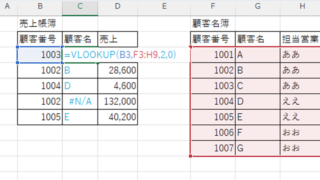
In this article, you'll learn how to use conditional formatting in Excel to automatically change cell colors when a value entered doesn't match the dropdown list. If you've been struggling with errors during data aggregation using the VLOOKUP function, you're not alone. Fortunately, combining the MATCH and ISNA functions offers a simple and effective solution.
Excel Macro (VBA)

How to use the input screen "InputBox" Excel Macro (VBA)

If you want to use values or arbitrary characters that do not exist in Excel, the "InputBox" is useful to easily create an input screen during macro execution. In this article, we will briefly explain how to use this "InputBox".
Excel Functions

Automatically create invoices from sales invoices 2 Excel (Excel)

Creating Invoices Automatically from Previous Sales Statements1 Continuing from Excel (Excel), we will create an invoice. Putting the details on the invoice (using a function)*Using the "FILTER" function using Spil*This one uses the Spil function, so you will need to use Microsoft365 or E...
Excel Functions

How to set up read-only and password Excel (Excel)

Here is how to set Excel to read-only or set a password when opening. Display the General Options screen First, display the "Save As" screen. On the Excel screen, click the "File" tab, then click "Save As," then click "...
Sponsored Links
en_USEnglish
Copied title and URL