Sponsored Links
Excel Macro (VBA)

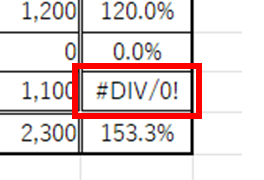
VBA "Overflow occurred." Error cause and remedy (runtime error '6′:)

Cause of ErrorThis error occurs when the data type is not in a format that can be handled, or when the data type exceeds the range of numbers that can be handled. First, let's reproduce the error. As shown in the figure above, we have set up the code to copy the numeric value in cell "B3" to cell "B4".
Excel Functions

Locking cells to protect only a specific range of sheets Excel (Excel)

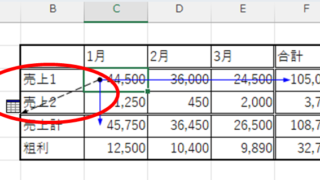
When using the sheet protection function, there is a function that allows detailed usage such as "allow selection and input in this range of cells, but not in other cells". For example, let's say you have a system that automatically creates transfer data when you enter a company name and amount of money as shown below. In this example...
Excel Macro (VBA)

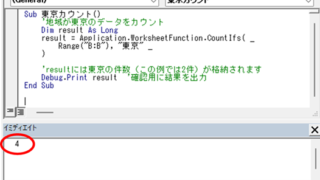
How to display the Immediate Window Excel(Excel) Macro(VBA)

One of the skills that you will need to learn as you progress in your VBA studies is the skill of using Immediate Windows. To use it, you must first display the Immediate Window. In this article, we will explain how to display the Immediate Window...
Excel Macro (VBA)

How to delete a sheet by specifying the sheet name VBA(Macro)Excel(Excel)

As the number of unneeded sheets grows, browsing becomes worse, and Excel itself becomes slower. In such cases, you can use VBA to automatically delete unnecessary sheets. In this article, we will show you how to use VBA to delete sheets at high speed...
Sponsored Links
en_USEnglish
Copied title and URL