Sponsored Links
Excel Functions

How to Extract Text After a Specific Character in Excel Using RIGHT and FIND

Struggling to extract text after a specific character in Excel when data lengths vary? This article explains how to combine the RIGHT and FIND functions to solve the problem—taught by an experienced Excel formula expert.
Excel Functions

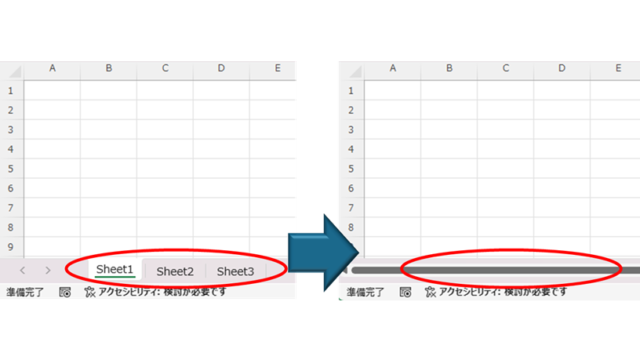
How to Hide Sheet Tabs in Excel – Fast & Easy

A must for Excel system creators and those considering preventing erroneous operations. This article explains with images how to hide sheet headings to prevent unexpected operations. In fact, it can be achieved with only a simple option setting. This article will help you create safe Excel files.
Excel Macro (VBA)

How to Disable Automatic Calculation in Excel VBA to Speed Up Your Macros

Learn how to disable automatic calculation in Excel VBA to dramatically speed up your macros. Simple code examples and performance tips included. Boost your Excel automation today!
googlesheet

How to Convert Excel to Google Sheets (Step-by-Step Guide for 2025)

This article provides a detailed, beginner-friendly explanation of how to convert Excel files into Google Sheets. Are you struggling because a client has asked you to submit your data in Google Sheets format? The truth is, the conversion process is easier than you might think. Written by someone with experience in streamlining IT workflows, this guide walks you through the steps clearly and practically.
Excel Functions

How to Use Wavy Lines to Crop or Skip Part of an Image in Excel

Master the wavy line technique to compress images in Excel! Step-by-step tutorial showing how to create professional image breaks and save space in your spreadsheets and presentations.
Sponsored Links
en_USEnglish
Copied title and URL