Sponsored Links
Excel Functions

Absolute and relative references in Excel (Excel)

Absolute and relative references are explained below. Relative reference: If you want to display the same contents in cell "C3" as in the neighboring cell "B3", enter the following in cell "C3": =B3. If you want to display the same content in cell "C3" as in the neighboring cell "B3", enter the following in cell "C3": =B3
Edge

Digital certificate can no longer be selected when logging in to a site (Edge)

Have you ever seen the following error message when using login with a digital certificate? The certificate you have selected is not available for this service. Please close all browser windows and try again. Internet ban...
Excel Functions

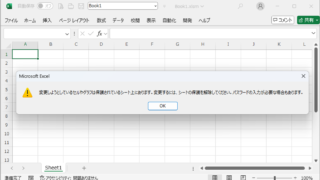
Forgot Password] How to remove sheet protection Excel (Excel)

I have a "sheet-protected" Excel file that I really need to unprotect, but the person in charge of applying the protection has already left the company or lost the memo, and I don't know the password. In such cases, do I have no choice but to give up? No, you can...
Excel Functions

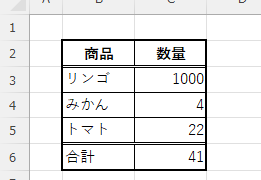
Switch between manual and automatic recalculation methods in Excel (Excel)

Excel, which contains a large number of formulas, will recalculate each time you perform some operation, and you will not be able to perform the next operation until the calculation is finished. If you feel that Excel is too slow, you can stop the recalculation to make it run more smoothly. Also, for some reason without realizing it...
Excel Functions

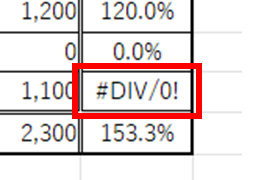
Error display "#DIV/0!" Meaning and Countermeasures Excel

Error messages are unavoidable when dealing with Excel, and you may be surprised when they suddenly appear. If you know the meaning of the error and what to do about it, there is nothing to be afraid of. Meaning of "#DIV/0!
Sponsored Links
en_USEnglish
Copied title and URL