Sponsored Links
Excel Functions

Creating a QR Code in Excel (Excel)

QR codes are a very convenient way to tell someone a URL or email address, rather than a string of text. It is a very convenient tool because all the recipient has to do is read it. However, the only way to make them is to create and download them using free sites on the Internet...
Excel Functions

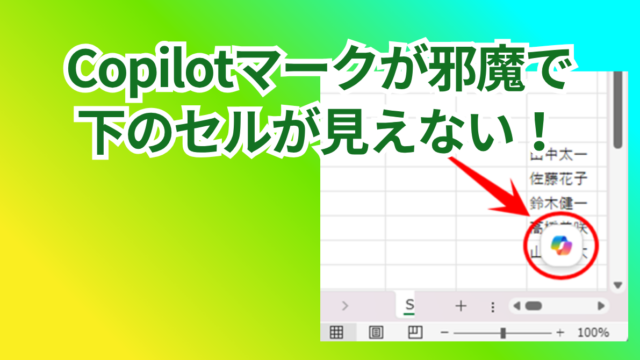
How to Disable the Copilot Icon in Excel (4 Simple Ways)

Many of you may have recently started seeing a "Copilot" icon like the one above in Excel. Copilot has many convenient features, but it can be annoying when it constantly pops up every time you select a cell. So, this time...
Excel Functions

SUMIF and SUMIFS Functions Excel

The SUMIF function can be used to change the contents of the total according to conditions, and the SUMIFS function can be used to specify multiple conditions. The reason why and how to use the SUMIF...
Excel Functions

Locking cells to protect only a specific range of sheets Excel (Excel)

When using the sheet protection function, there is a function that allows detailed usage such as "allow selection and input in this range of cells, but not in other cells". For example, let's say you have a system that automatically creates transfer data when you enter a company name and amount of money as shown below. In this example...
Excel Macro (VBA)

How to use the method of variable type "Workbook" Excel (Excel) Macro (VBA)

You can read more about how to use the variable type "Workbook" in this blog. How to use the variable type "Workbook" Excel(Excel)Macro(VBA)Here we will explain the "Workbook" method in a little more detail.Wor...
Sponsored Links
en_USEnglish
Copied title and URL