Sponsored Links
Excel Functions

Find Out Which Version of Excel You’re Using – Quick Steps

The functions and functions that can be used may change depending on the version of Excel. You should be able to check if your version is supported when errors or problems occur, so we will show you how to check your Excel version in this issue. Acau...
Excel Macro (VBA)

How to Clear Sheet Data with Excel VBA: Simple Macro Tutorial for Beginners

Tired of manually deleting large amounts of Excel data? This article explains how to delete sheet data using VBA macros with ClearContents, Clear, and Delete—completing the task in seconds.
Excel Functions

How to extract characters before a specific character "LEFT and FIND functions in Excel"

As shown in the figure below, if there is extra data after the string and you want to extract only the string to the left of the extra data, you cannot simply use the LEFT function alone because the number of characters is not constant. Function to extract the left side of the "¥" mark in cell "A2" = LEFT(A2,FIND(...))
Excel Functions

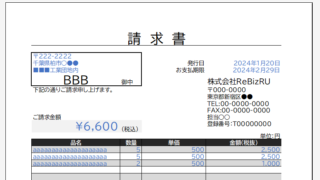
Automatically create invoices from sales invoices1 Excel (Excel)

There are many useful software systems that automatically output invoices as you record sales data if you pay for them, but many people are unable to install software because they "don't have enough money to pay for it" or "management won't allow it" and are making each invoice by hand...
Excel Functions

Creating a QR Code in Excel (Excel)

QR codes are a very convenient way to tell someone a URL or email address, rather than a string of text. It is a very convenient tool because all the recipient has to do is read it. However, the only way to make them is to create and download them using free sites on the Internet...
Sponsored Links
en_USEnglish
Copied title and URL