Sponsored Links
Excel Functions

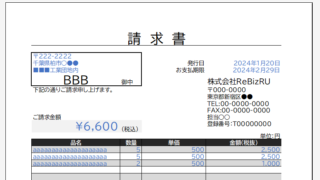
Automatically create invoices from sales invoices1 Excel (Excel)

There are many useful software systems that automatically output invoices as you record sales data if you pay for them, but many people are unable to install software because they "don't have enough money to pay for it" or "management won't allow it" and are making each invoice by hand...
Excel Macro (VBA)

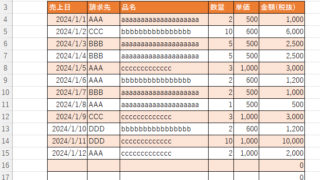
Color every other line alternately to make stripes

When creating a table, it is possible to make the table very easy to read if each row is colored alternately and striped. In this issue, we will show you three ways to do this. How to use the table functionHow to set up a tableSelect a cell anywhere in the table you want to make a table and click "Insert...
Edge

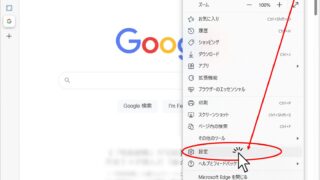
How to Install EdgeDriver for Selenium (Beginner’s Step-by-Step Guide)

This article details the installation procedure of EdgeDriver for beginners.Do you want to start web automation with VBA but don't know how to set it up? In fact, it can be easily installed in 3 steps, which will be taught by an Excel operation professional.
Excel Functions

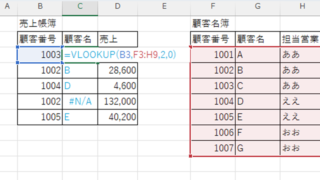
VLOOKUP function gives #N/A or #REF!

The VLOOKUP function is a very useful function for handling data, but many of you may have experienced that once you get stuck in the error swamp of #N/A or #REF! In this article, we will discuss how to use the VLOOKUP function to get rid of the #N/A and #REF!
Excel Functions

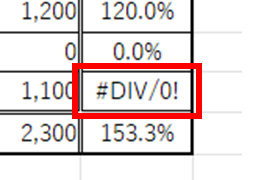
Error display "#DIV/0!" Meaning and Countermeasures Excel

Error messages are unavoidable when dealing with Excel, and you may be surprised when they suddenly appear. If you know the meaning of the error and what to do about it, there is nothing to be afraid of. Meaning of "#DIV/0!
Sponsored Links
en_USEnglish
Copied title and URL