Sponsored Links
Excel Functions

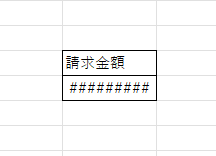
How to correct "###" in cell display Excel (Excel)

When dealing with numbers in Excel, it often happens that the sharpness of the numbers becomes "######" as shown in the title, and the value becomes unreadable. The conclusion is that the reason for the "#####" is that the length of the value is larger than the size of the cell, making it impossible to display...
Excel Functions

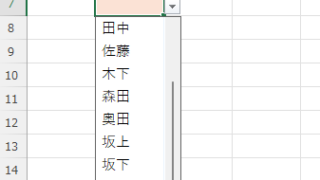
Linking two pull-downs (drop-downs) without macros (for linking only one set) Excel (Excel)

This article explains how to link two dropdown lists in Excel. Are you struggling with how to display only employees relevant to the selected department after choosing it? Actually, you can easily link them using the INDEX and MATCH functions. An Excel expert will teach you how.
Excel Functions

How to Use Wavy Lines to Crop or Skip Part of an Image in Excel

Master the wavy line technique to compress images in Excel! Step-by-step tutorial showing how to create professional image breaks and save space in your spreadsheets and presentations.
Excel Macro (VBA)

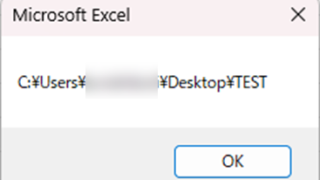
Get the path (save location) of the opened Excel file "Path" Excel Macro (VBA)

In many cases, it is useful to be able to get the location of the Excel file you are currently working on when you want to retrieve values from another Excel file or save a file as a name using a macro. In this article, we will show you how to use the "Path" command, which is useful in such cases. The currently open Excel file...
Sponsored Links
en_USEnglish
Copied title and URL