Sponsored Links
Excel Functions

Excel RIGHT and LEFT functions to extract a specific number of characters from the right or left of a string

I want to display only the four characters from the right of the data entered in a cell, or I want to display the rest of the data without displaying the left few characters. Conversely, I want to display only 4 characters from the left of the data entered in a cell, or I want to display the rest of the data without displaying the few characters on the right. Thus...
Excel Macro (VBA)

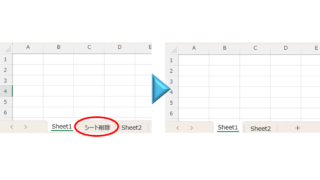
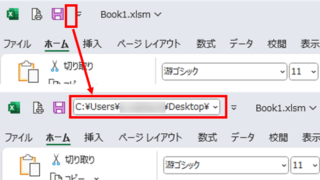
How to display the Immediate Window Excel(Excel) Macro(VBA)

One of the skills that you will need to learn as you progress in your VBA studies is the skill of using Immediate Windows. To use it, you must first display the Immediate Window. In this article, we will explain how to display the Immediate Window...
Excel Macro (VBA)

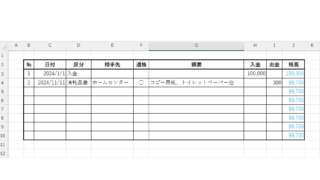
Automatically create invoices from sales invoices3 Excel (Excel)

Continuing from the previous article, "Creating Invoices Automatically from Sales Statements 2: Excel," we will now move on to creating invoices. If you haven't read it yet, please also read "Creating Invoices Automatically from Sales Statements 1: Excel". Putting details on an invoice (using a macro)...
Excel Functions

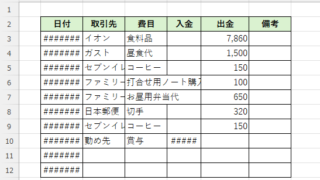
How to correct "###" in cell display Excel (Excel)

When dealing with numbers in Excel, it often happens that the sharpness of the numbers becomes "######" as shown in the title, and the value becomes unreadable. The conclusion is that the reason for the "#####" is that the length of the value is larger than the size of the cell, making it impossible to display...
Sponsored Links
en_USEnglish
Copied title and URL