Sponsored Links
Windows

How to Enable Excel Macros: Fix 'Macro Has Been Blocked' Error Safely

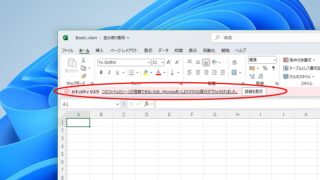
If you are having trouble running Excel macros, you have come to the right place. This article explains how to solve the red band message that appears in version 2203 and later. Actually, it can be easily solved by file saving and property settings. This article will help you solve the macro block problem completely. 
Excel Functions

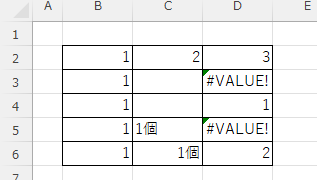
What does the error message "#VALUE!" mean and what can I do about it?

Error messages are unavoidable when dealing with Excel, and you may be surprised when they suddenly appear. Here are the meanings and countermeasures for these errors. As an example of preconditions, let's make a table like this...
Excel Functions

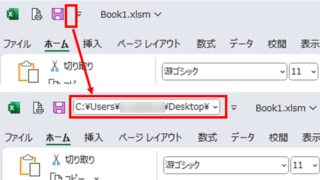
Allows you to see the address where the book is saved Excel (Excel)

You can display the path in the toolbar so that you can always see the address where you saved your Excel book. We will show you how to do this in this article. Click on the "File" tab, click on "Options", click on "Quick Access Toolbar" > "All...", and then click on "Quick Access Toolbar" > "Quick Access Toolbar" > "All...".
Excel Macro (VBA)

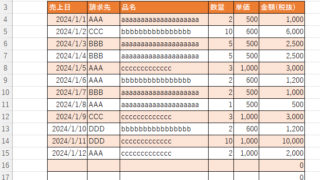
Color every other line alternately to make stripes

When creating a table, it is possible to make the table very easy to read if each row is colored alternately and striped. In this issue, we will show you three ways to do this. How to use the table functionHow to set up a tableSelect a cell anywhere in the table you want to make a table and click "Insert...
Excel Functions

How to Use Wavy Lines to Crop or Skip Part of an Image in Excel

Master the wavy line technique to compress images in Excel! Step-by-step tutorial showing how to create professional image breaks and save space in your spreadsheets and presentations.
Sponsored Links
en_USEnglish
Copied title and URL