Sponsored Links
Excel Macro (VBA)

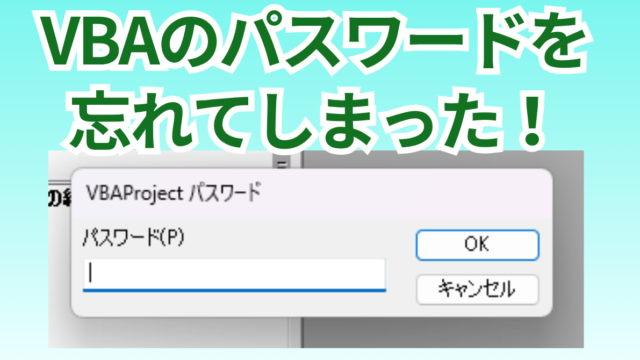
[Forgot Password] How to Remove VBA (Macro) Passwords in Excel

A must-read for anyone who has forgotten their Excel password! This article explains in detail how to forcibly remove VBA passwords. In fact, you can easily remove it just by changing the file extension. By reading this article, you can escape read-only mode.
Excel Macro (VBA)

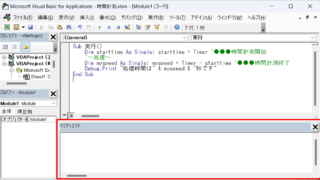
How to display the Immediate Window Excel(Excel) Macro(VBA)

One of the skills that you will need to learn as you progress in your VBA studies is the skill of using Immediate Windows. To use it, you must first display the Immediate Window. In this article, we will explain how to display the Immediate Window...
Excel Functions

How to extract characters before a specific character "LEFT and FIND functions in Excel"

As shown in the figure below, if there is extra data after the string and you want to extract only the string to the left of the extra data, you cannot simply use the LEFT function alone because the number of characters is not constant. Function to extract the left side of the "¥" mark in cell "A2" = LEFT(A2,FIND(...))
Excel Functions

How to Use Wavy Lines to Crop or Skip Part of an Image in Excel

Master the wavy line technique to compress images in Excel! Step-by-step tutorial showing how to create professional image breaks and save space in your spreadsheets and presentations.
Excel Functions

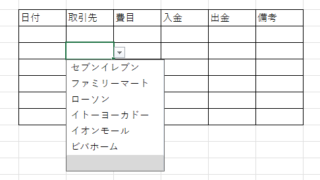
How to Use Excel (Excel) Pull-Downs (Drop-Downs): How to Streamline Data Entry in a Few Simple Steps

By selecting items from pull-down menus instead of entering them freely, you can save time and effort in entering data, and you can also improve the reliability of data by preventing distortions in the notation. Preventing distortions in the notation allows the same data to be recognized as the same when tabulating data, so it can be used in Excel....
Sponsored Links
en_USEnglish
Copied title and URL