Sponsored Links
Excel Functions

Absolute and relative references in Excel (Excel)

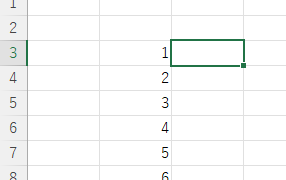
Absolute and relative references are explained below. Relative reference: If you want to display the same contents in cell "C3" as in the neighboring cell "B3", enter the following in cell "C3": =B3. If you want to display the same content in cell "C3" as in the neighboring cell "B3", enter the following in cell "C3": =B3
Excel Functions

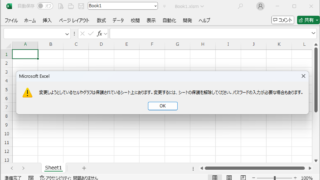
Forgot Password] How to remove sheet protection Excel (Excel)

I have a "sheet-protected" Excel file that I really need to unprotect, but the person in charge of applying the protection has already left the company or lost the memo, and I don't know the password. In such cases, do I have no choice but to give up? No, you can...
Edge

Excel Clipboard Error: “The content cannot be copied because it is being used by another application” — Symptoms and Quick Fixes

Frustrated by the "File is in use by another application" error during copy and paste? This article provides a detailed explanation of the issue along with both quick fixes and long-term solutions to resolve it effectively.
Excel Macro (VBA)

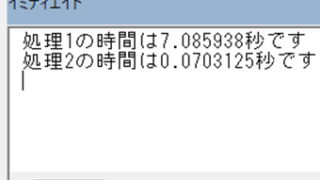
Measure macro processing time Excel(Excel) Macro(VBA)

When trying to speed up a macro, it is first necessary to be able to determine how much time was saved before and after the improvement, and how much time was saved or not. To do this, it is necessary to be able to measure the time. In this article, we will show you how to do this. In this article, we will discuss the process of...
Sponsored Links
en_USEnglish
Copied title and URL