Sponsored Links
Excel Functions

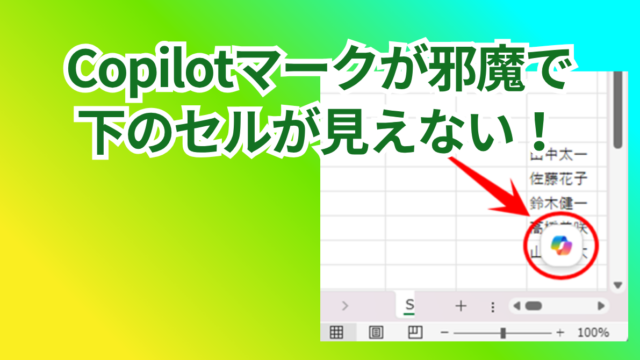
How to Disable the Copilot Icon in Excel (4 Simple Ways)

Many of you may have recently started seeing a "Copilot" icon like the one above in Excel. Copilot has many convenient features, but it can be annoying when it constantly pops up every time you select a cell. So, this time...
Excel Functions

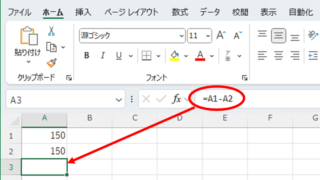
3 Easy Ways to Hide or Show Zero Values in Excel: Simple Formatting Tips

As shown in the figure below, when "A1" cell contains 150 and "A2" cell also contains the same number, 150, the calculation result of "=A1-A2" is "0" zero. There are three ways to avoid displaying numbers when the result of the calculation is "0" zero. The result of the calculation is "0" zero...
Excel Functions

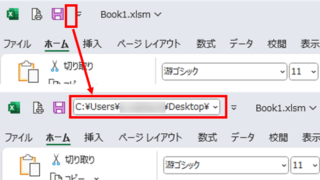
Allows you to see the address where the book is saved Excel (Excel)

You can display the path in the toolbar so that you can always see the address where you saved your Excel book. We will show you how to do this in this article. Click on the "File" tab, click on "Options", click on "Quick Access Toolbar" > "All...", and then click on "Quick Access Toolbar" > "Quick Access Toolbar" > "All...".
Edge

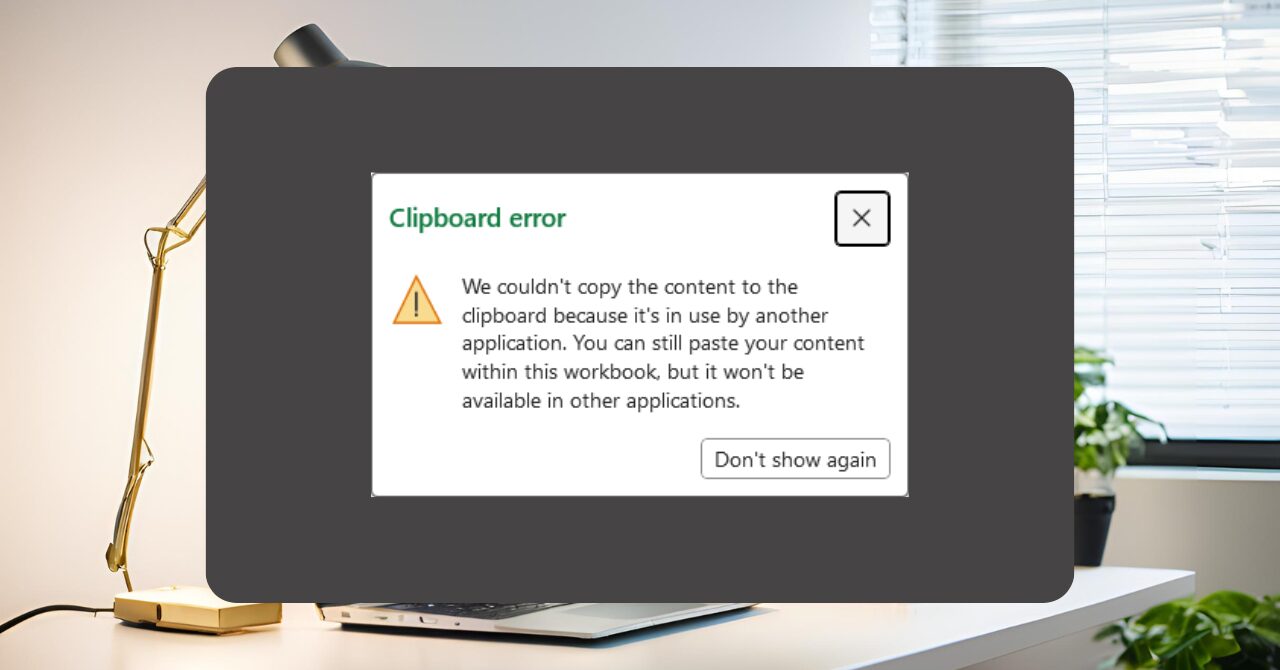
Excel Clipboard Error: “The content cannot be copied because it is being used by another application” — Symptoms and Quick Fixes

Frustrated by the "File is in use by another application" error during copy and paste? This article provides a detailed explanation of the issue along with both quick fixes and long-term solutions to resolve it effectively.
Sponsored Links
en_USEnglish
Copied title and URL