Sponsored Links
Excel Macro (VBA)

How to use the input screen "InputBox" Excel Macro (VBA)

If you want to use values or arbitrary characters that do not exist in Excel, the "InputBox" is useful to easily create an input screen during macro execution. In this article, we will briefly explain how to use this "InputBox".
Windows

How to export a document created in Excel as a PDF

A must-see for those who want to export Excel documents as PDFs! You can export PDFs using only Excel's built-in features, without needing other software.
Excel Functions

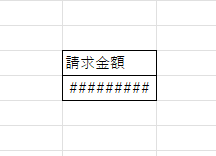
How to correct "###" in cell display Excel (Excel)

When dealing with numbers in Excel, it often happens that the sharpness of the numbers becomes "######" as shown in the title, and the value becomes unreadable. The conclusion is that the reason for the "#####" is that the length of the value is larger than the size of the cell, making it impossible to display...
Excel Functions

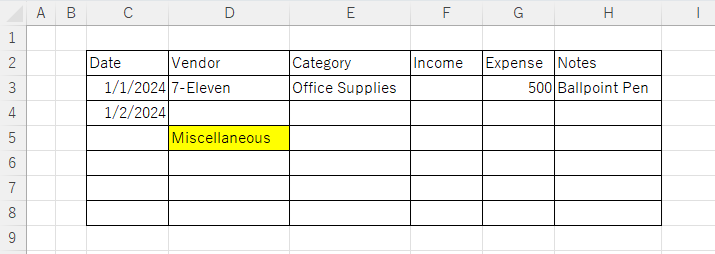
Excel: Color Cells When Input Doesn’t Match Dropdown List

In this article, you'll learn how to use conditional formatting in Excel to automatically change cell colors when a value entered doesn't match the dropdown list. If you've been struggling with errors during data aggregation using the VLOOKUP function, you're not alone. Fortunately, combining the MATCH and ISNA functions offers a simple and effective solution.
Excel Macro (VBA)

[For Beginners] Step-by-Step Guide to Installing SeleniumBasic

This article offers a beginner-friendly, detailed guide to installing SeleniumBasic. Stuck on the installation and thinking about giving up on automation? The truth is, anyone can install it by taking it one step at a time. A professional with 20 years of experience teaching Excel will walk you through the process.
Sponsored Links
en_USEnglish
Copied title and URL