Sponsored Links
Excel Functions

Find Out Which Version of Excel You’re Using – Quick Steps

The functions and functions that can be used may change depending on the version of Excel. You should be able to check if your version is supported when errors or problems occur, so we will show you how to check your Excel version in this issue. Acau...

Excel Functions

For beginners] Explanation of causes of Excel being slow and countermeasures.

Manager, have you ever felt 'kind of heavy' when using Excel? Student Yes, sir! I recently started using Excel to improve my business, but I'm having trouble opening files because it takes so long. ManagerYes, that's right. Many people have the same problem...
Excel Functions

Excel: Color Cells When Input Doesn’t Match Dropdown List

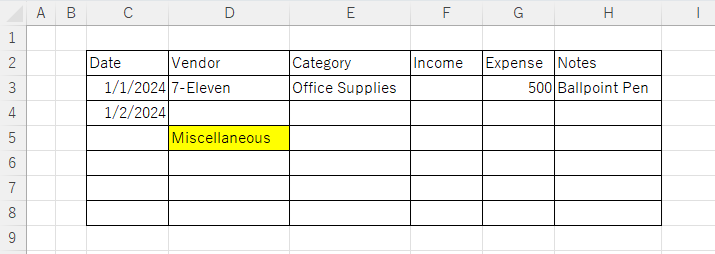
In this article, you'll learn how to use conditional formatting in Excel to automatically change cell colors when a value entered doesn't match the dropdown list. If you've been struggling with errors during data aggregation using the VLOOKUP function, you're not alone. Fortunately, combining the MATCH and ISNA functions offers a simple and effective solution.
Excel Macro (VBA)

How to Clear Sheet Data with Excel VBA: Simple Macro Tutorial for Beginners

Tired of manually deleting large amounts of Excel data? This article explains how to delete sheet data using VBA macros with ClearContents, Clear, and Delete—completing the task in seconds.
Excel Functions

Forgot Password? How to Remove Read-Only (Write Protection) in Excel

If you forgot your Excel password, don’t worry! This article explains how to remove write protection easily by simply changing the file extension. Learn how to unlock read-only mode fast.
Sponsored Links
en_USEnglish
Copied title and URL