Sponsored Links
Excel Functions

How to set up a link by inserting a hyperlink Excel (Excel)

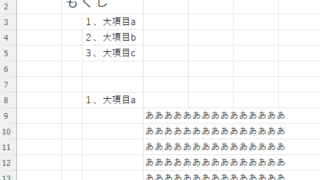
Here is how to set up a hyperlink using the Insert Hyperlink function. For example, let's say you have created a document with a table of contents as shown below, which jumps to a cell within the page. Let's say you have created a page with a table of contents as shown in the figure below, and when you click on the name of an item in the table of contents, you will jump to that item. First, let's create a page with a hyperlink to a cell in the page...
Excel Functions

How to Prefer Manual Fill to Conditional Formatting Excel (Excel)

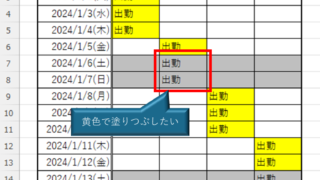
Conditional formatting is a very useful feature that automatically fills in or changes formatting based on specified conditions. However, many of you may have experienced the problem that conditional formatting takes precedence over manual filling. In this article, we will discuss how to use conditional formatting...
Excel Functions

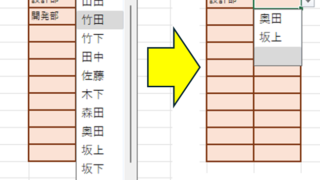
Linking two pull-downs (drop-downs) without macros (when reflected in multiple rows) Excel (Excel)

A must-see for those who want to create Excel linked multi-row dropdowns! This article explains in detail how to link multi-row dropdowns without macros. In fact, it can be easily achieved with the INDIRECT function and named ranges. Reading this article will enable you to create efficient spreadsheets.
Excel Functions

Locking cells to protect only a specific range of sheets Excel (Excel)

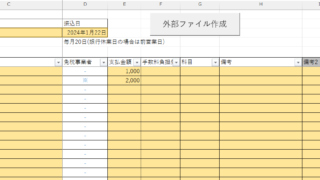
When using the sheet protection function, there is a function that allows detailed usage such as "allow selection and input in this range of cells, but not in other cells". For example, let's say you have a system that automatically creates transfer data when you enter a company name and amount of money as shown below. In this example...
change of occupation

Specific ways to present Excel skills that are useful in job interviews.

You use Excel in your daily work. But are those skills that allow you to say, "I'm good at Excel," really applicable in the job market? Many of us learn the basics of Excel in new employee training and use it in our daily work. Sure, we enter formulas, create graphs...
Sponsored Links
en_USEnglish
Copied title and URL