Sponsored Links
Excel Macro (VBA)

How to Disable Automatic Calculation in Excel VBA to Speed Up Your Macros

Learn how to disable automatic calculation in Excel VBA to dramatically speed up your macros. Simple code examples and performance tips included. Boost your Excel automation today!
Excel Functions

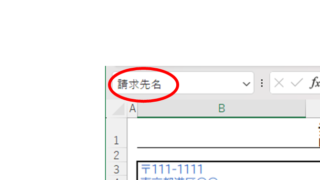
Name a cell Excel

There are many times when you need to refer to a cell with coordinates such as "=A1" or "=C50". However, when you try to get the value from another sheet or another book, the coordinates are not always the same.
Excel Macro (VBA)

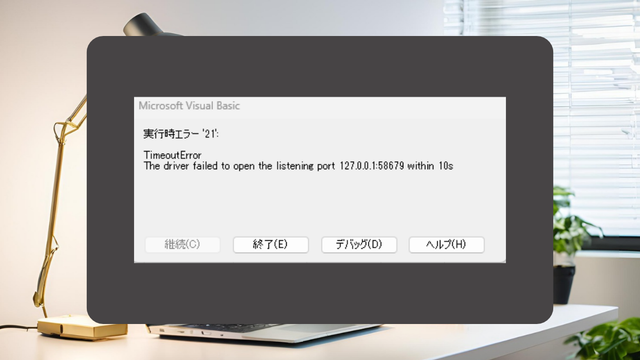
[SeleniumBasic bug] VBA (macro) suddenly stopped working in Excel

To those who have suddenly encountered an error and have had their system become unresponsive with SeleniumBasic. The cause may be the Windows Update "KB5127936" released on October 29, 2026. This article explains the mechanism of the cause and provides emergency measures to uninstall the update.
change of occupation

Specific ways to present Excel skills that are useful in job interviews.

You use Excel in your daily work. But are those skills that allow you to say, "I'm good at Excel," really applicable in the job market? Many of us learn the basics of Excel in new employee training and use it in our daily work. Sure, we enter formulas, create graphs...
Excel Functions

3 Easy Ways to Hide or Show Zero Values in Excel: Simple Formatting Tips

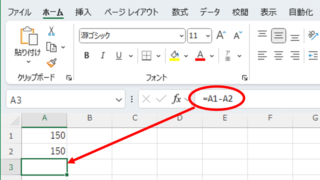
As shown in the figure below, when "A1" cell contains 150 and "A2" cell also contains the same number, 150, the calculation result of "=A1-A2" is "0" zero. There are three ways to avoid displaying numbers when the result of the calculation is "0" zero. The result of the calculation is "0" zero...
Sponsored Links
en_USEnglish
Copied title and URL