Sponsored Links
Excel Functions

The two reasons for garbled csv files and how to fix them [Thorough explanation by an Excel master] Windows version.

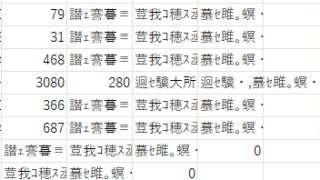
"Huh? What is this?" Have you ever opened a CSV file in Excel only to find that the text in the file is a series of unintelligible symbols? Yes, you are now facing a troublesome problem called "garbled characters," which is a common problem that many people suffer from...
Excel Macro (VBA)

Measure macro processing time Excel(Excel) Macro(VBA)

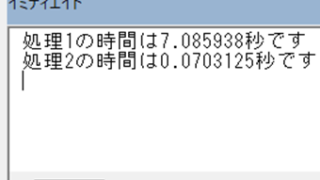
When trying to speed up a macro, it is first necessary to be able to determine how much time was saved before and after the improvement, and how much time was saved or not. To do this, it is necessary to be able to measure the time. In this article, we will show you how to do this. In this article, we will discuss the process of...
Excel Functions

How to paste Excel (Excel) images

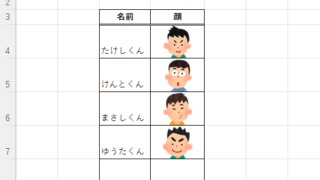
There are functions to do various things with images, such as sticking an image on Excel or fitting an image into a cell. In this article, we will introduce two ways to import images into Excel. Place the image on top of a cellOnce you save the image to a folder somewhere on your terminal, you can use this method...
Excel Functions

What does the error message "#VALUE!" mean and what can I do about it?

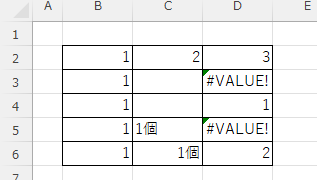
Error messages are unavoidable when dealing with Excel, and you may be surprised when they suddenly appear. Here are the meanings and countermeasures for these errors. As an example of preconditions, let's make a table like this...
Excel Macro (VBA)

"How to Create Your First Excel Macro (Beginner’s VBA Guide)

To write a VBA, you start with the "Development" tab, which is not present by default. Click on the File tab, then click on the option...
Sponsored Links
en_USEnglish
Copied title and URL