Sponsored Links
change of occupation

Specific ways to present Excel skills that are useful in job interviews.

You use Excel in your daily work. But are those skills that allow you to say, "I'm good at Excel," really applicable in the job market? Many of us learn the basics of Excel in new employee training and use it in our daily work. Sure, we enter formulas, create graphs...
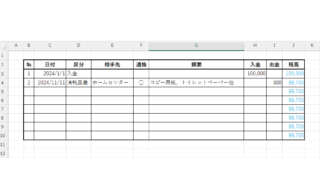
Let's make a petty cash book.

How to Create a Petty Cash Log in Excel (Invoice-Compliant Template Guide)

Many companies and sole proprietorships use petty cash to keep track of personal and company finances. However, it is very time-consuming and error-prone to keep balances and to post the information in the cash book to the accounting system...
Excel Macro (VBA)

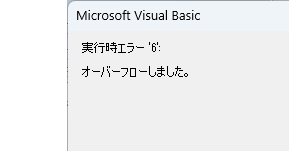
VBA "Overflow occurred." Error cause and remedy (runtime error '6′:)

Cause of ErrorThis error occurs when the data type is not in a format that can be handled, or when the data type exceeds the range of numbers that can be handled. First, let's reproduce the error. As shown in the figure above, we have set up the code to copy the numeric value in cell "B3" to cell "B4".
Excel Functions

The two reasons for garbled csv files and how to fix them [Thorough explanation by an Excel master] Windows version.

"Huh? What is this?" Have you ever opened a CSV file in Excel only to find that the text in the file is a series of unintelligible symbols? Yes, you are now facing a troublesome problem called "garbled characters," which is a common problem that many people suffer from...
Excel Functions

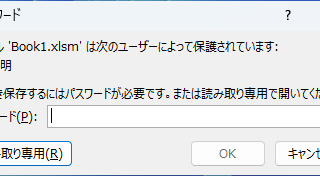
Forgot Password? How to Remove Read-Only (Write Protection) in Excel

If you forgot your Excel password, don’t worry! This article explains how to remove write protection easily by simply changing the file extension. Learn how to unlock read-only mode fast.
Sponsored Links
en_USEnglish
Copied title and URL