Sponsored Links
Excel Macro (VBA)

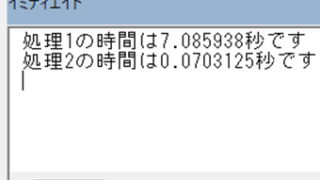
Measure macro processing time Excel(Excel) Macro(VBA)

When trying to speed up a macro, it is first necessary to be able to determine how much time was saved before and after the improvement, and how much time was saved or not. To do this, it is necessary to be able to measure the time. In this article, we will show you how to do this. In this article, we will discuss the process of...
Excel Macro (VBA)

How to use the method of variable type "Workbook" Excel (Excel) Macro (VBA)

You can read more about how to use the variable type "Workbook" in this blog. How to use the variable type "Workbook" Excel(Excel)Macro(VBA)Here we will explain the "Workbook" method in a little more detail.Wor...
Excel Functions

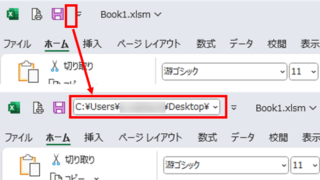
Allows you to see the address where the book is saved Excel (Excel)

You can display the path in the toolbar so that you can always see the address where you saved your Excel book. We will show you how to do this in this article. Click on the "File" tab, click on "Options", click on "Quick Access Toolbar" > "All...", and then click on "Quick Access Toolbar" > "Quick Access Toolbar" > "All...".
Windows

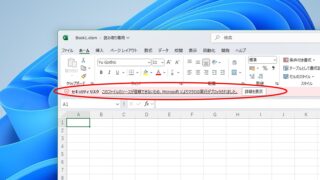
How to Enable Excel Macros: Fix 'Macro Has Been Blocked' Error Safely

If you are having trouble running Excel macros, you have come to the right place. This article explains how to solve the red band message that appears in version 2203 and later. Actually, it can be easily solved by file saving and property settings. This article will help you solve the macro block problem completely. 
Sponsored Links
en_USEnglish
Copied title and URL