Sponsored Links
Excel Functions

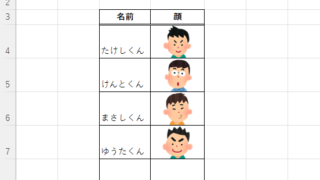
How to paste Excel (Excel) images

There are functions to do various things with images, such as sticking an image on Excel or fitting an image into a cell. In this article, we will introduce two ways to import images into Excel. Place the image on top of a cellOnce you save the image to a folder somewhere on your terminal, you can use this method...

change of occupation

Specific ways to present Excel skills that are useful in job interviews.

You use Excel in your daily work. But are those skills that allow you to say, "I'm good at Excel," really applicable in the job market? Many of us learn the basics of Excel in new employee training and use it in our daily work. Sure, we enter formulas, create graphs...
Excel Functions

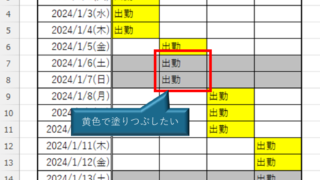
How to Prefer Manual Fill to Conditional Formatting Excel (Excel)

Conditional formatting is a very useful feature that automatically fills in or changes formatting based on specified conditions. However, many of you may have experienced the problem that conditional formatting takes precedence over manual filling. In this article, we will discuss how to use conditional formatting...
Excel Functions

How to extract characters before a specific character "LEFT and FIND functions in Excel"

As shown in the figure below, if there is extra data after the string and you want to extract only the string to the left of the extra data, you cannot simply use the LEFT function alone because the number of characters is not constant. Function to extract the left side of the "¥" mark in cell "A2" = LEFT(A2,FIND(...))
Sponsored Links
en_USEnglish
Copied title and URL