Excel Functions

Sponsored Links
Excel Functions

How to find function references with trace arrows Excel (Excel)

If you are confused about reference relationships in Excel functions, you have come to the right place! This article details how to find references using trace arrows. In fact, you can easily visualize the relationship between cells from the formula tab. This article will help you understand complex functions.
Excel Functions

How to set up a link by inserting a hyperlink Excel (Excel)

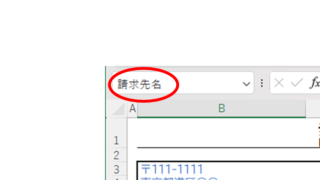
Here is how to set up a hyperlink using the Insert Hyperlink function. For example, let's say you have created a document with a table of contents as shown below, which jumps to a cell within the page. Let's say you have created a page with a table of contents as shown in the figure below, and when you click on the name of an item in the table of contents, you will jump to that item. First, let's create a page with a hyperlink to a cell in the page...
Excel Functions

Linking two pull-downs (drop-downs) without macros (when reflected in multiple rows) Excel (Excel)

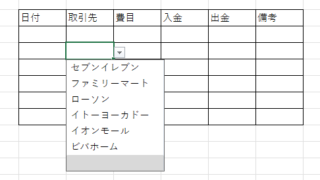
Excel複数行連動プルダウンを作りたい人は必見!この記事ではマクロなしで複数行のドロップダウンを連動させる方法を詳しく解説します。実はINDIRECT関数と名前定義で簡単に実現できるんです。この記事を読めば効率的な一覧表が作れます。
Sponsored Links
Excel Functions

How to Fix Missing Sheets in Excel (Step-by-Step Guide)

This article explains how to solve the sheet heading hiding problem in Excel from the options settings. Have you ever had trouble finding a sheet in a file created by someone else? This article is written by the author, who has experience in supporting Excel operations.
Excel Functions

How to Instantly Convert Address Numbers to Kanji Using SUBSTITUTE in Excel.

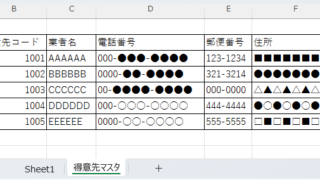
When printing addresses on envelopes using the address list of a New Year's card or a customer list, for example, horizontal envelopes are written in arithmetic (Arabic) numerals such as "1, 2, 3", while vertical envelopes must be written in Chinese numerals such as "1, 2, 3". Substitute the numbers...
Excel Functions

How to set and remove sheet and book protection Excel (Excel)

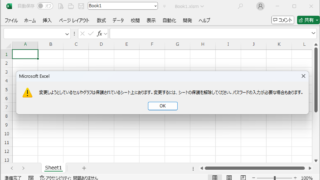
If you are thinking about preventing Excel mishaps, this is a must! This article details how to set up and remove sheet and book protection. In fact, you can easily set it with a password. This article will help you protect your important data.
Excel Functions

Locking cells to protect only a specific range of sheets Excel (Excel)

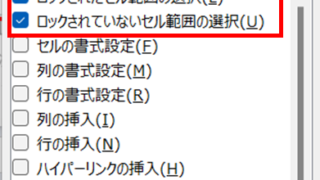
When using the sheet protection function, there is a function that allows detailed usage such as "allow selection and input in this range of cells, but not in other cells". For example, let's say you have a system that automatically creates transfer data when you enter a company name and amount of money as shown below. In this example...
Excel Functions

Automatically create invoices from sales invoices1 Excel (Excel)

There are many useful software systems that automatically output invoices as you record sales data if you pay for them, but many people are unable to install software because they "don't have enough money to pay for it" or "management won't allow it" and are making each invoice by hand...
Excel Functions

How to Prefer Manual Fill to Conditional Formatting Excel (Excel)

Conditional formatting is a very useful feature that automatically fills in or changes formatting based on specified conditions. However, many of you may have experienced the problem that conditional formatting takes precedence over manual filling. In this article, we will discuss how to use conditional formatting...
Excel Functions

How to set up read-only and password Excel (Excel)

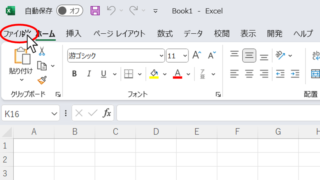
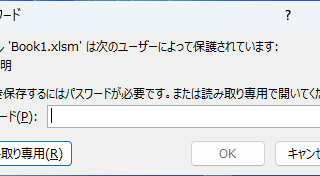
Here is how to set Excel to read-only or set a password when opening. Display the General Options screen First, display the "Save As" screen. On the Excel screen, click the "File" tab, then click "Save As," then click "...
Sponsored Links
Copied title and URL