Sponsored Links
Excel Functions

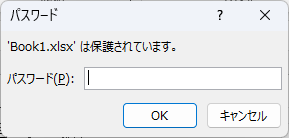
How to set up read-only and password Excel (Excel)

Here is how to set Excel to read-only or set a password when opening. Display the General Options screen First, display the "Save As" screen. On the Excel screen, click the "File" tab, then click "Save As," then click "...
Excel Functions

How to paste Excel (Excel) images

There are functions to do various things with images, such as sticking an image on Excel or fitting an image into a cell. In this article, we will introduce two ways to import images into Excel. Place the image on top of a cellOnce you save the image to a folder somewhere on your terminal, you can use this method...
Excel Functions

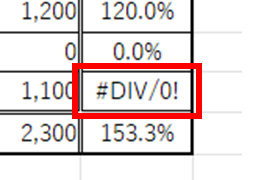
Error display "#DIV/0!" Meaning and Countermeasures Excel

Error messages are unavoidable when dealing with Excel, and you may be surprised when they suddenly appear. If you know the meaning of the error and what to do about it, there is nothing to be afraid of. Meaning of "#DIV/0!
Excel Functions

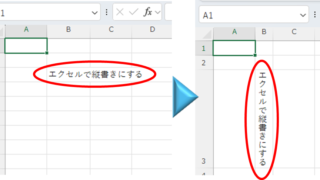
Top 4 Ways to Write Vertically in Excel: Features, Pros, and Best Use Cases

Excel is normally designed to be written horizontally, but it can also be written vertically. There are several ways to do this, but in this article, we will introduce four methods, two using "cell formatting" and two using "text boxes. Using "Vertical Writing" Cell Formatting1....
Excel Functions

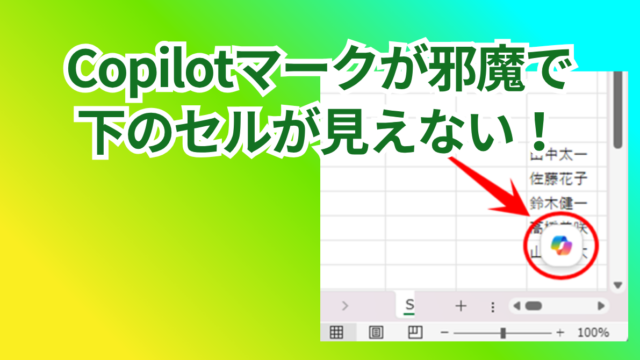
How to Disable the Copilot Icon in Excel (4 Simple Ways)

Many of you may have recently started seeing a "Copilot" icon like the one above in Excel. Copilot has many convenient features, but it can be annoying when it constantly pops up every time you select a cell. So, this time...
Sponsored Links
en_USEnglish
Copied title and URL